
EZ-Play
Every audio track, switchable. P2, XDCAM, MXF and WebM on your Mac.
A free Mac player for footage straight off the card — P2, XDCAM and SD cards; MOV and MP4, MXF from Sony and Panasonic P2, AVCHD, and WebM, VP9 and AV1 from the web — that lets you switch every audio track on and off while it runs. No logging, no bins, no project to create first.
Free — no licence key, no activation, no time limit.
By downloading you accept the EULA and the Terms of Service. Privacy Notice.
EZ-Play is developed and published by MOvid Medienproduktion GmbH. This is its official download page.
Most of the time you do not want a workflow, you want to see and hear what is on the card — including the track the boom went to. EZ-Play is the small door into the same playback engine LogIT uses, so the awkward formats behave here too.
In motion
The product video
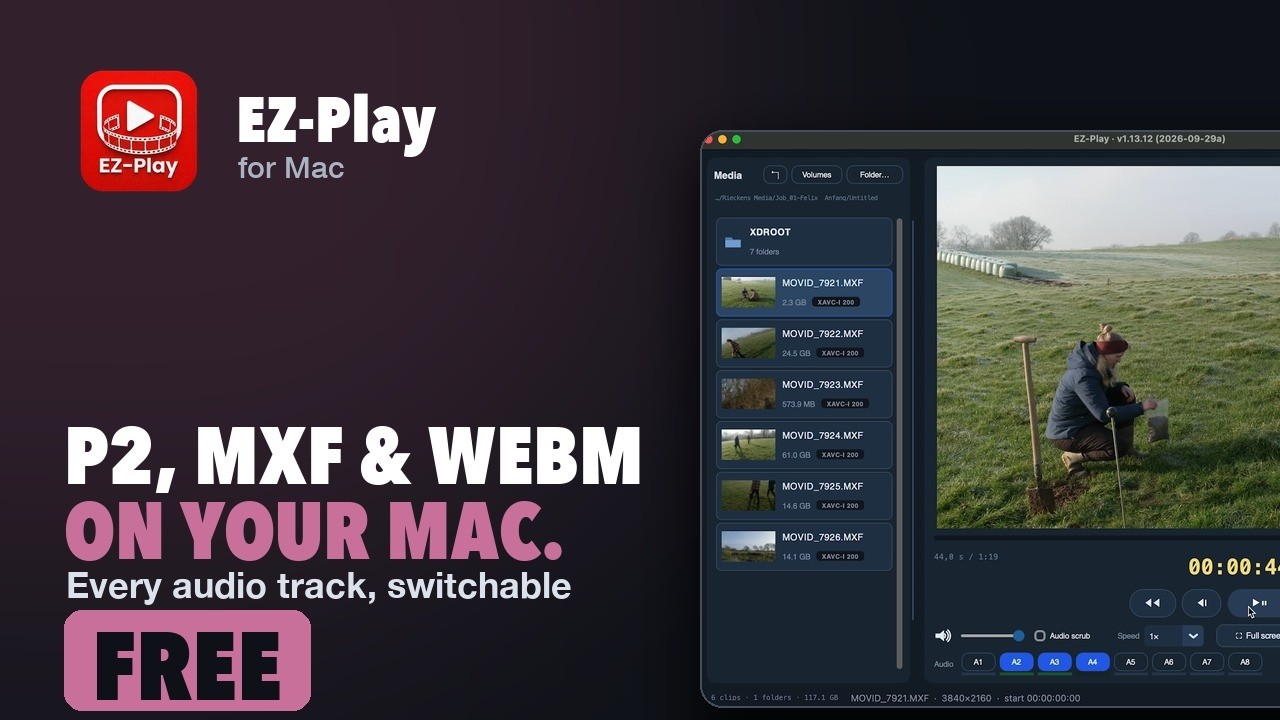 Play · loads from YouTube
Why people use it
Every audio track, switchable. P2, XDCAM, MXF and WebM on your Mac.
Pick the tracks you want to hear
Every audio track in the clip gets its own button with a level lamp underneath. Switch them on and off while it plays — mix check the boom against the radio mic without opening an edit system.
Panasonic P2, joined automatically
P2 clips arrive split across several MXF files. EZ-Play puts them back together for playback and lists them under the real clip name from the card, not „0001AB.MXF“.
MXF, AVCHD and WebM alongside MOV and MP4
MOV, MP4, M4V, MXF, MTS, M2TS, AVI, MKV, MPG and MPEG through AVFoundation — plus VP9, VP8, AV1, WebM and Opus in a second window, through Safari's own web engine, because Apple's media framework does not read them. MXF from Sony and Panasonic needs Apple's free Pro Video Formats package; EZ-Play points you to it and shows a rendered preview until it is installed.
On screen
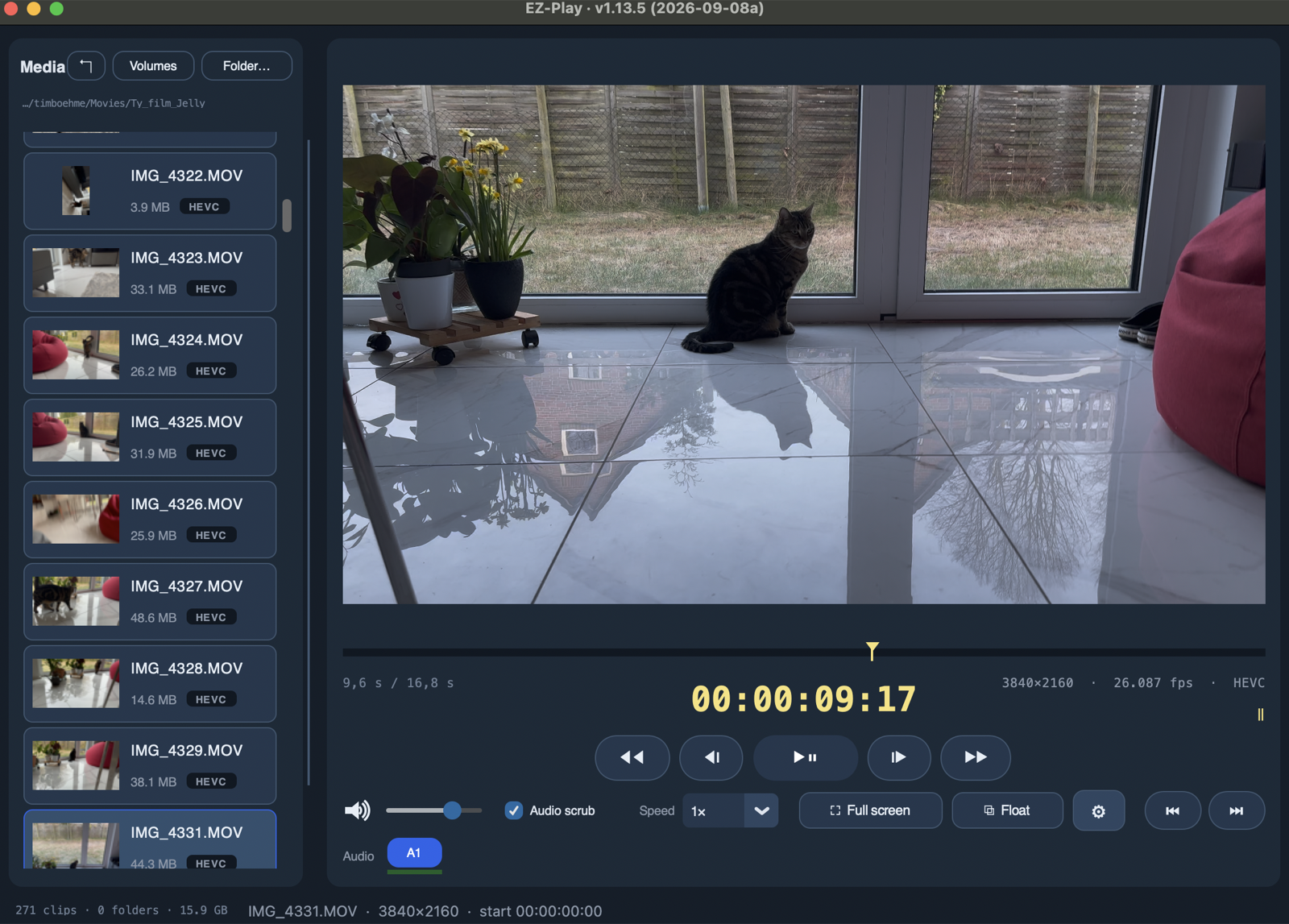
What it looks like
And the rest of it
Everything else it does
Open a folder, watch a clip
That is the entire path. No import, no database, no project.
Big, readable timecode
Read from the file, sized from readable to filling the screen, in a colour that survives your material.
Screening speeds
Half, three quarter, normal, one and a half, double.
The same engine as LogIT
Card detection, timecode and levels are shared code — a fix in one is a fix in both.
Questions
What people ask
Which formats does EZ-Play open?
MOV, MP4, M4V, MXF, MTS, M2TS, AVI, MKV, MPG and MPEG through Apple's own AVFoundation, so what macOS can play, EZ-Play can play. MXF needs Apple's free Pro Video Formats package, see below. VP9, VP8, AV1, WebM and Opus play in a second window that uses Safari's web engine, because Apple's media framework does not read them. Camera RAW does not play — see the next question.
Which camera formats play, and which do not?
Straight away: MOV, MP4 and M4V with ProRes, H.264, HEVC or DNxHD/HR. That covers ARRI Alexa and Blackmagic cameras recording ProRes, Sony and Canon recording H.264 or HEVC, and any ProRes or H.264 proxy. MXF from Sony (XAVC-I, XDCAM HD422) and Panasonic P2 (AVC-Intra) plays once Apple's free Pro Video Formats package is installed. Camera RAW does not play: Blackmagic RAW, RED R3D, ARRIRAW and Sony X-OCN need the manufacturers' own decoders, which macOS does not have. Use the camera's ProRes or H.264 recording or its proxies. AVCHD, AVI, MKV and MPG open only if macOS knows the codec inside; old AVI codecs, WMV and DivX do not.
Do I need to install anything for MXF files?
For MXF from Sony, Panasonic P2 and similar cameras, yes: Apple's free Pro Video Formats package, a 10 MB download from support.apple.com/106396. It is Apple's, so EZ-Play cannot bundle it; a Mac with Final Cut Pro or Compressor already has it, a fresh Mac does not. EZ-Play notices, offers the download page, and shows a rendered preview of the clip in the meantime. Install it once, restart, and every MXF plays like any other clip. Everything else EZ-Play needs, including ffmpeg, is inside the app.
Why do some files open in a second window?
The web formats are decoded by the system's web engine rather than by the media framework. EZ-Play keeps that in its own window so the ordinary player stays as simple as it is. Both windows share the same controls.
My P2 card shows clips in pieces elsewhere. What does EZ-Play do with them?
A P2 clip is recorded as several MXF files. EZ-Play joins them for playback and lists the clip under its real name from the card, not under the file names.
Can I listen to one audio track on its own?
Yes. Every audio track in the clip has its own button with a level lamp underneath. Switch tracks on and off while the clip plays, for example to check the boom against the radio mic.
Is it really free?
Yes. No licence key, no activation, no time limit, no account. It is the small door into the playback engine that LogIT uses.
Does EZ-Play log or sort footage?
No. It opens a folder and plays what is in it. Logging, bins and exports to the edit are LogIT's job, with the same playback engine underneath.
What does it need?
A Mac with Apple Silicon running macOS 13 or later.
Details
Specifications
| Price | Free |
|---|---|
| Audio | Every track individually switchable, with level lamps |
| Formats | MOV, MP4, M4V, MXF, MTS, M2TS, AVI, MKV, MPG, MPEG |
| Web formats | VP9, VP8, AV1, WebM, Opus — in a second window |
| Cards | Panasonic P2 (clips joined, real clip names, timecode), Sony XDCAM, SD cards |
| Licence | None needed |
| System requirements | macOS 13.0 or later, Mac with Apple Silicon (M1 or later) |
| Needs for MXF | Apple's free Pro Video Formats package (offered in the app) |
| Version | 1.13.16 |
| System | macOS 13.0 or later, Apple Silicon |
Free Free. No licence key, no activation, no time limit.
- Signed and notarised by Apple.
- Runs entirely on your Mac.
- Questions: support@movid.com