
Offload Wrangler
Get the cards off. Prove it arrived.
A card offloader that treats verification as the job, not a checkbox. Copy to several drives at once, checksum every file, and hand the production a report that shows what actually landed.
A copy that finishes without an error message is not the same as a copy you can erase the card after. Wrangler re-reads what it wrote, compares it byte for byte, and writes the evidence next to the footage.
In motion
The product video
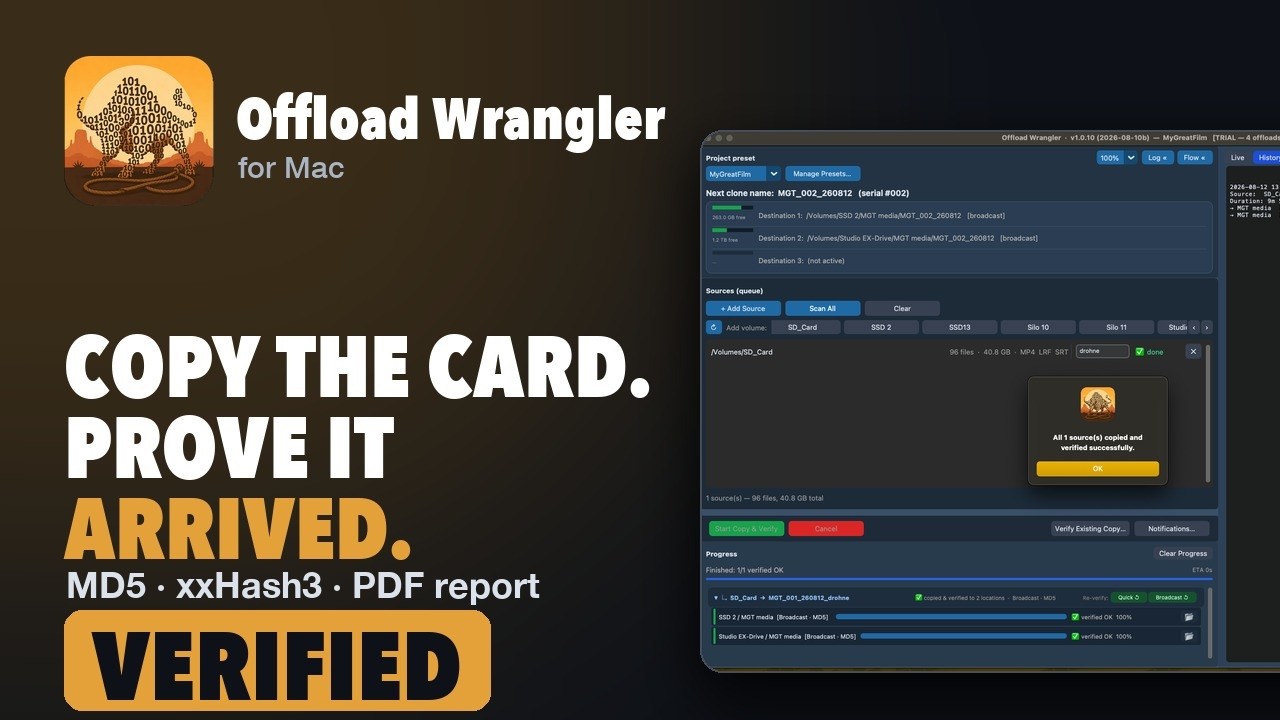 Play · loads from YouTube
Why people buy it
Get the cards off. Prove it arrived.
Several destinations at once
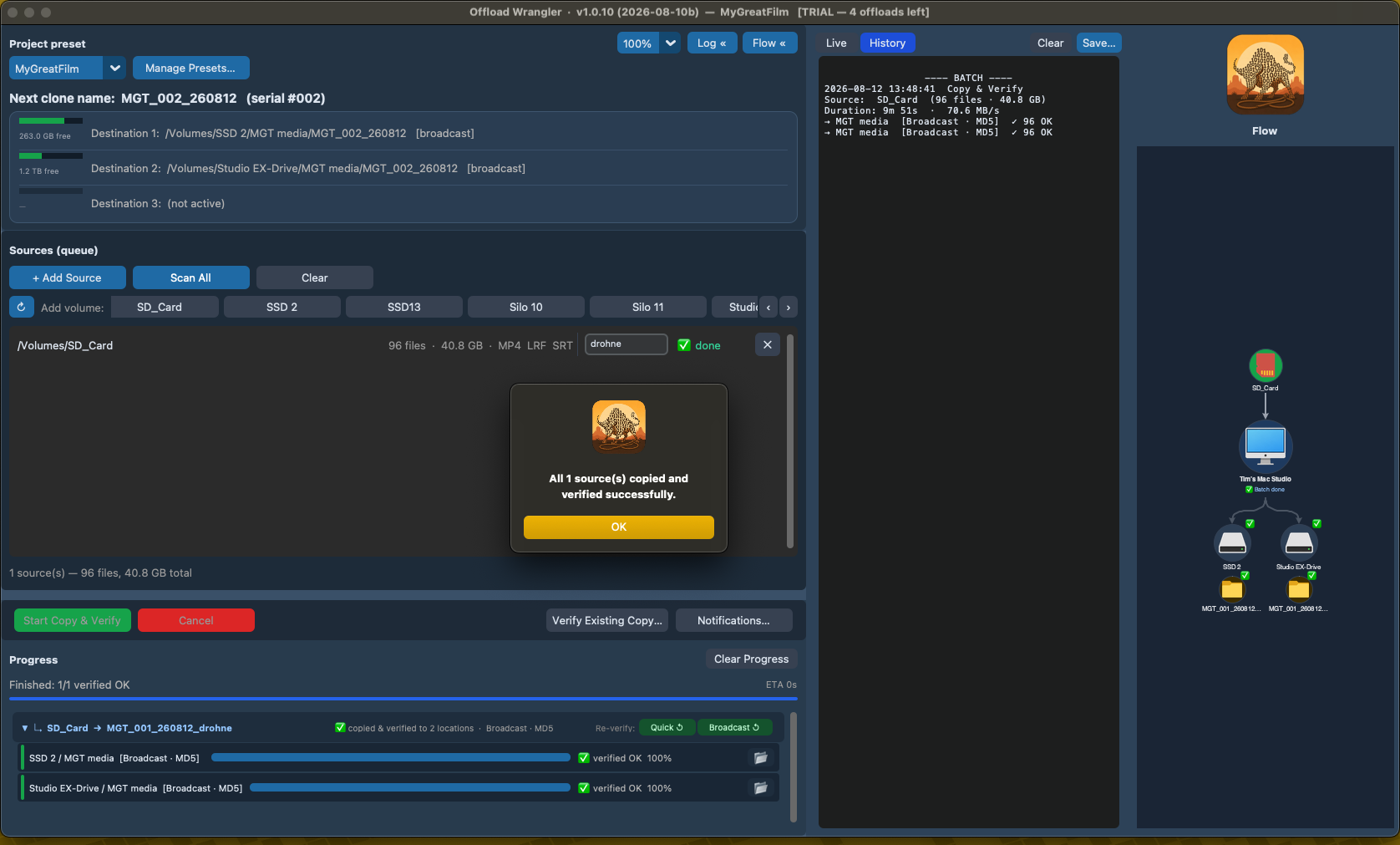
Shuttle, backup and archive in one pass, each with its own verification level. The card is read once.
Checksums that mean something
MD5 for broadcast delivery or xxHash3 when speed matters. Broadcast level re-reads both sides and compares; Quick checks existence and size; the level used is written into every log.
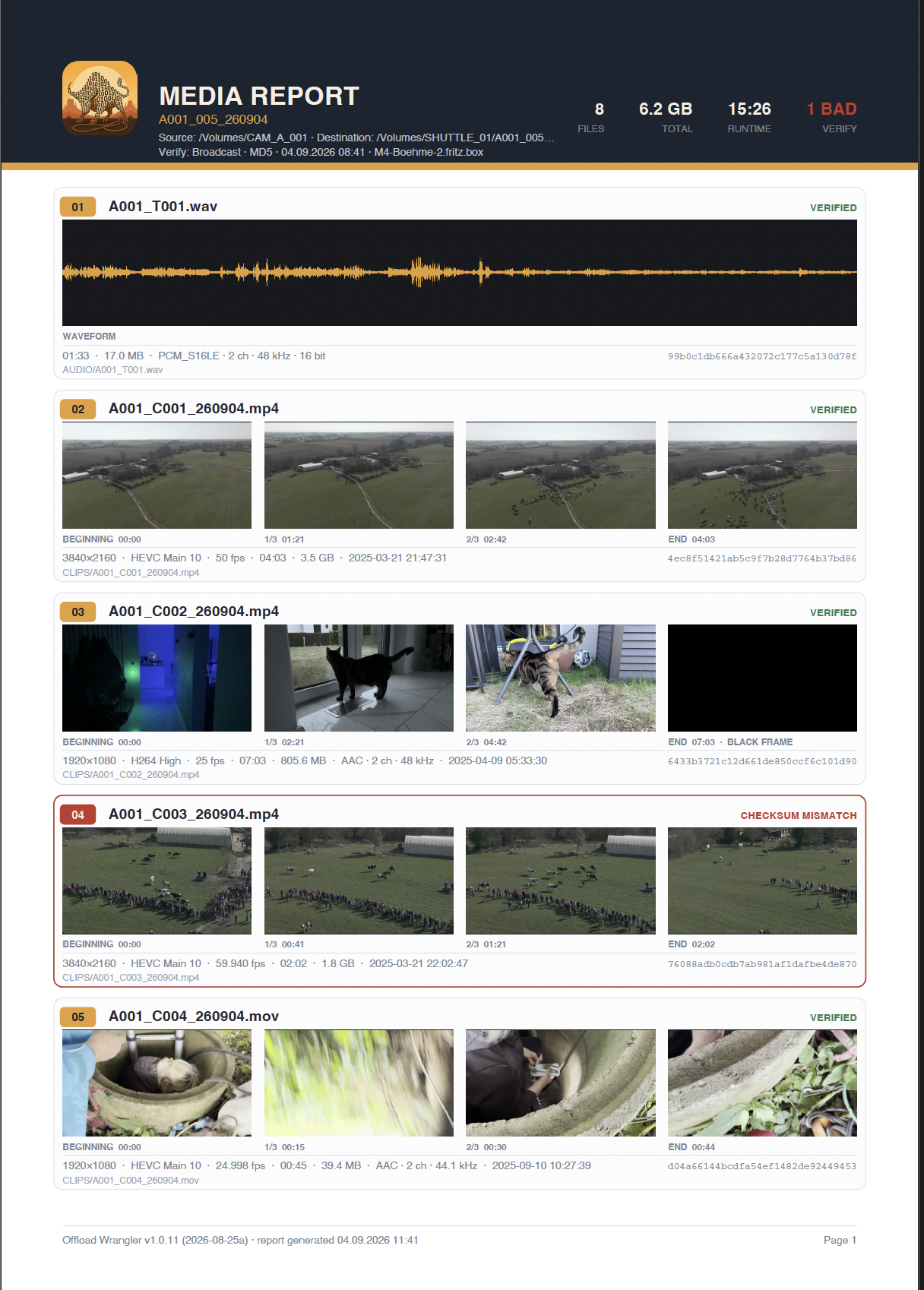
Media report with four frames per clip
A PDF listing every copied file with beginning, one third, two thirds and end taken from the copy on the drive — plus resolution, codec, frame rate, duration, timecode and the checksum it passed on. Audio gets a waveform.
On screen
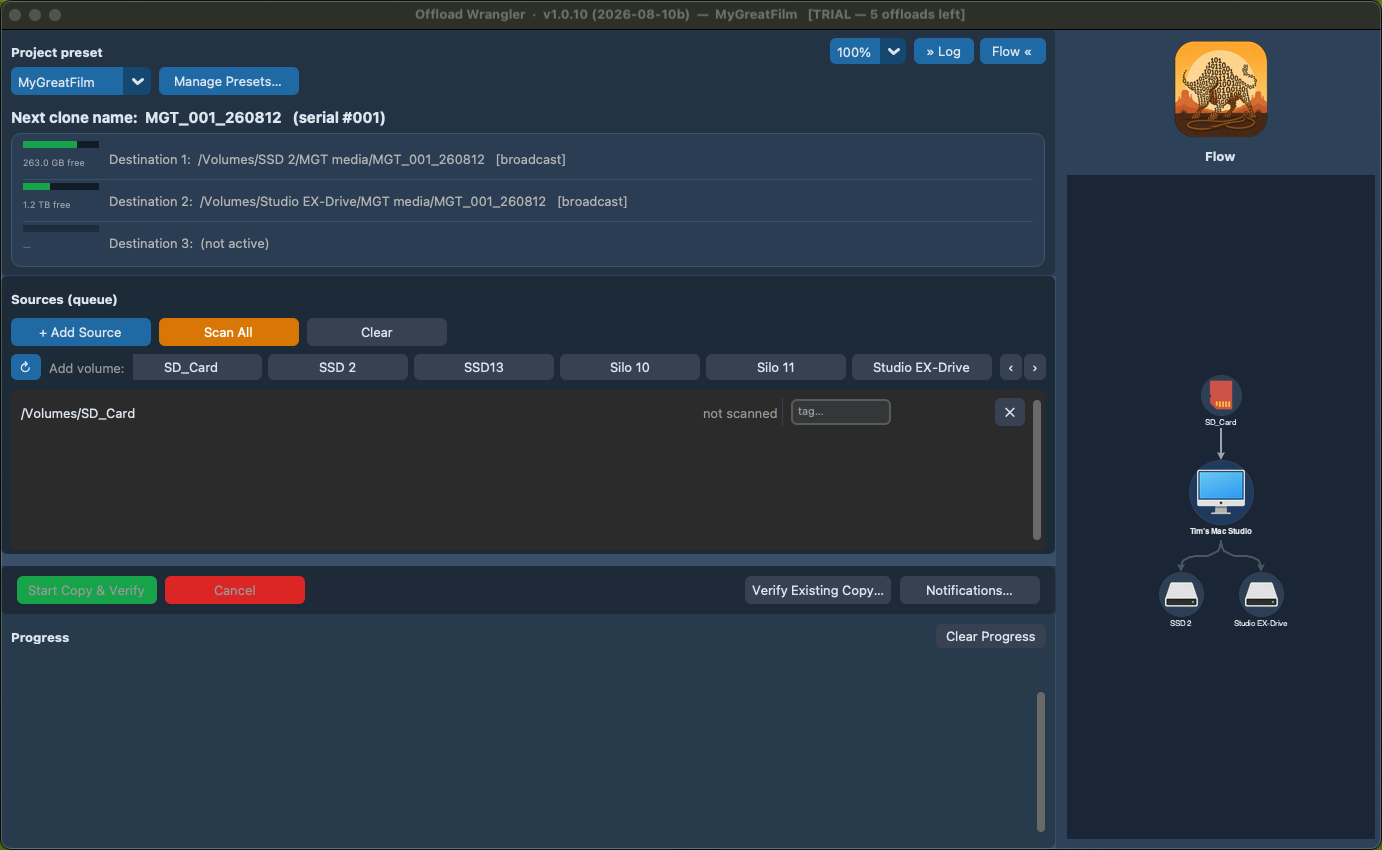
What it looks like
And the rest of it
Everything else it does
Verification log in every destination
A plain text log travels with the footage: source, destination, method, every file and its hash. Readable in ten years without this app.
Re-verify without copying
Check an existing clone against the card before you erase it — full re-hash, or a fast size and existence pass.
Clone names from a preset
Project code, running number and date, so every roll lands in a folder named the way the production asked for.
Questions
What people ask
Which checksums does it use?
MD5, the one most broadcast delivery specifications ask for, or xxHash3 when speed matters. The method used is written into every log, so the receiving side can see what was checked.
What do the verification levels mean?
Broadcast re-reads both the source and the copy after writing and compares them byte for byte. Quick checks that every file exists and has the right size. Each destination can have its own level.
Can it copy to several drives at once?
Yes. Shuttle, backup and archive in one pass, each with its own verification level. The card is read once.
What is in the media report?
A PDF listing every copied file with four frames taken from the copy on the drive, at the start, one third, two thirds and the end, plus resolution, codec, frame rate, duration, timecode and the checksum it passed. Audio files get a waveform.
Where does the verification log go?
A plain text log travels with the footage in every destination: source, destination, method, every file and its hash. It can be read in ten years without this app.
Can I verify a copy I made earlier?
Yes. Verify Existing Copy checks a clone against the card before you erase it, either with a full re-hash or with a fast pass that checks existence and size.
How do the folders get their names?
From a preset: project code, running number and date. Every roll lands in a folder named the way the production asked for.
What does the trial count?
Five successful offloads within six months. Runs under 1 GB never count, and neither do runs that failed, so a test card costs nothing. Verification and reports in the trial are identical to the paid app.
What does it need?
A Mac with Apple Silicon running macOS 15 or later. ffmpeg is bundled; there is nothing else to install.
Details
Specifications
| Verification | MD5 or xxHash3, three levels |
|---|---|
| Reports | Media report and verification log, PDF and text |
| Destinations | As many as you have drives |
| Bundled | ffmpeg 7.1.1 (LGPL), nothing to install |
| Version | 1.0.23 |
| System | macOS 15.0 or later, Apple Silicon |
See price in store One-time purchase, per machine. No subscription.
- Five full offloads within six months. Runs under 1 GB never count, so you can try it on a test card for free.
- Signed and notarised by Apple.
- Runs entirely on your Mac.
- Questions: support@movid.com